Tally Solutions
 on Cloud & remote support
Access TallyPrime securely from any location with Tally on Cloud (AWS), and get expert help remotely without waiting for a visit.
Overview
Your books, wherever business takes you.
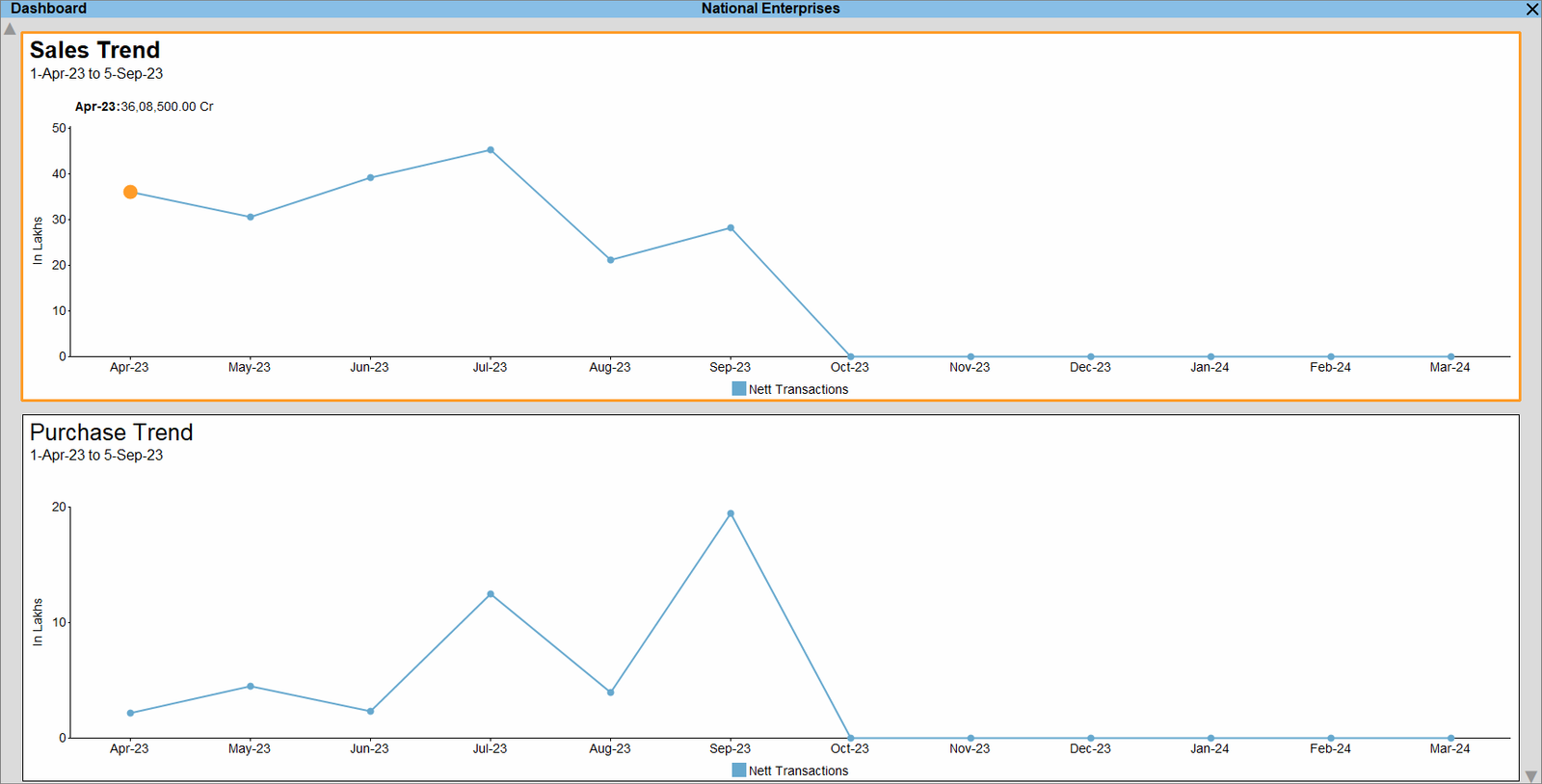
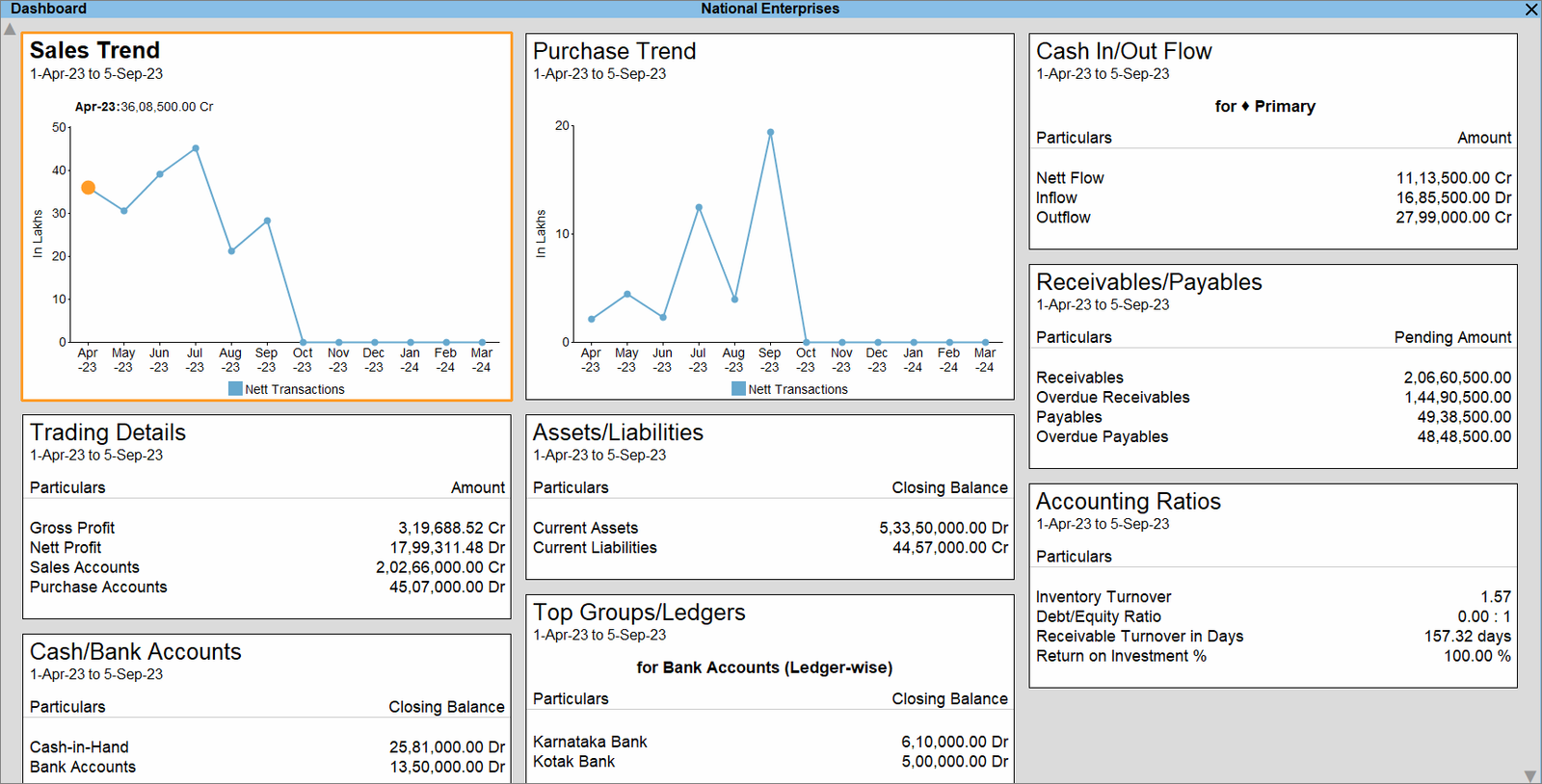
Owners on the move, accountants working from home, branches in different towns — modern businesses need Tally beyond a single office computer. Tally on Cloud runs TallyPrime on Amazon Web Services, so authorized users can work on the same data from anywhere with an internet connection.
We help you decide whether the cloud or TallyPrime’s built-in remote access suits you best, set it up, move your data and train your users. Whichever you choose, our remote support team is a message away.
What’s included
Everything covered in Tally Cloud & Remote Support
Run TallyPrime on AWS and access it from anywhere — plus secure remote support sessions.
Tally on Cloud (AWS)
TallyPrime hosted on AWS — no server to buy or maintain at your office.
Multi-branch access
Branches and remote staff work on one company file at the same time.
Secure user access
Individual logins with access controls for every user.
Data migration to cloud
Your existing Tally data moved to the cloud and verified.
Remote support sessions
Secure screen-sharing to fix issues and answer questions quickly.
Remote & browser access
Guidance on TallyPrime’s remote access and browser reports where they fit better.
How we work
A clear, four-step process
Step 1: Assess
Users, locations and connectivity reviewed to choose the right approach.
Step 2: Set up
Cloud environment or remote access configured with secure logins.
Step 3: Migrate
Company data moved and checked before users switch over.
Step 4: Support
Ongoing help for users wherever they work from.
FAQ
Questions, answered
What is Tally on Cloud?
Tally on Cloud runs your TallyPrime on AWS cloud infrastructure, letting authorized users access the same company data from different locations over the internet — without maintaining a server in your office.
Do I need a new Tally license for the cloud?
That depends on your current license and the plan you choose. Share your license details with us and we will explain exactly what is needed before you commit.
What do I need for a remote support session?
Just an internet connection and a screen-sharing app we help you install. You stay in control and can end the session at any time.
Get started
Ready to get started with Tally Cloud & Remote Support?
Tell us where you are today — a new setup, an upgrade, a customization or a support need — and we’ll suggest a clear next step.