Support, AMC & Training
Software training that sticks
Practical, hands-on TallyPrime training for business owners, accountants and staff — built around the way your company actually uses Tally.
Overview
Confident users, fewer errors.
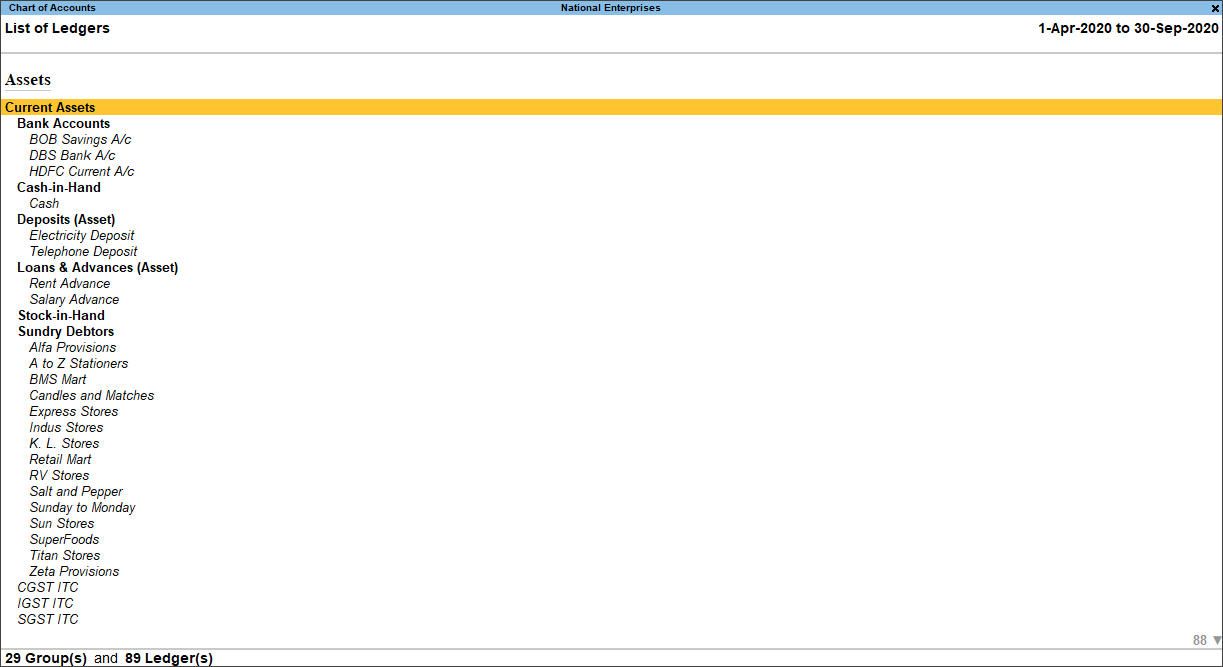
Software is only as good as the people using it. Our training focuses on the tasks your team performs every day — recording vouchers, managing stock, handling GST, reading reports — using examples that match your business.
Sessions can be one-to-one or for a group, at your office or remotely, and can follow an implementation, an upgrade or the arrival of new staff.
What’s included
Everything covered in Software Training
Practical TallyPrime training for owners, accountants and staff — from basics to advanced features.
TallyPrime essentials
Company setup, ledgers, vouchers and everyday bookkeeping.
Inventory & orders
Stock items, godowns, batches, orders and stock reports.
GST & statutory
GST invoicing, e-invoicing, e-way bills, TDS and return reports.
Payroll
Employee masters, pay heads, attendance and payroll processing.
Reports & analysis
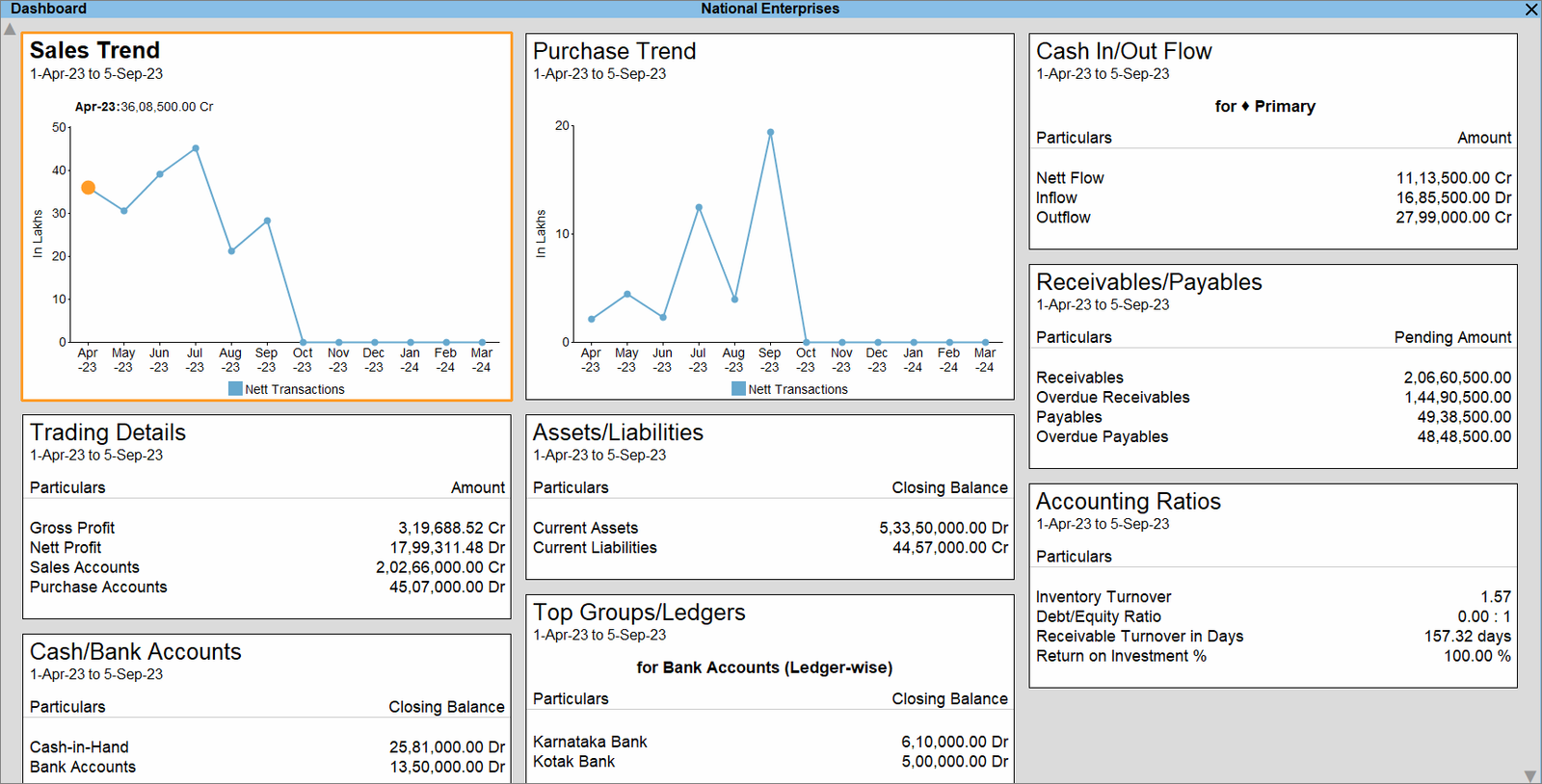
Reading financial statements, outstanding, cash flow and MIS reports.
What’s new
Short sessions on new features after each TallyPrime upgrade.
How we work
A clear, four-step process
Step 1: Assess
We gauge each participant’s current level and role.
Step 2: Plan
Sessions structured around the tasks they perform daily.
Step 3: Train hands-on
Practical exercises on real-world scenarios.
Step 4: Follow up
Doubts cleared after the sessions, while habits form.
FAQ
Questions, answered
Who is the training for?
Business owners who want to read their numbers, accountants who work in Tally every day, and new staff who need to become productive quickly. We adjust the depth to the audience.
Can training be conducted at our office?
Yes. We can train your team on-site at your office or conduct sessions remotely, whichever is more convenient.
Do you train using our own workflows?
Where appropriate, we use your company’s own workflows and a copy of your data so the training applies directly to daily work.
Get started
Ready to get started with Software Training?
Tell us where you are today — a new setup, an upgrade, a customization or a support need — and we’ll suggest a clear next step.